
Still looking for How to Buy MTN Airtime With USDT in Nigeria?… You’re sitting on USDT. Your MTN line is begging for a top-up. And somehow, the “obvious” solution still involves three apps, one P2P trader, and a small prayer that your naira lands before your data bundle expires.
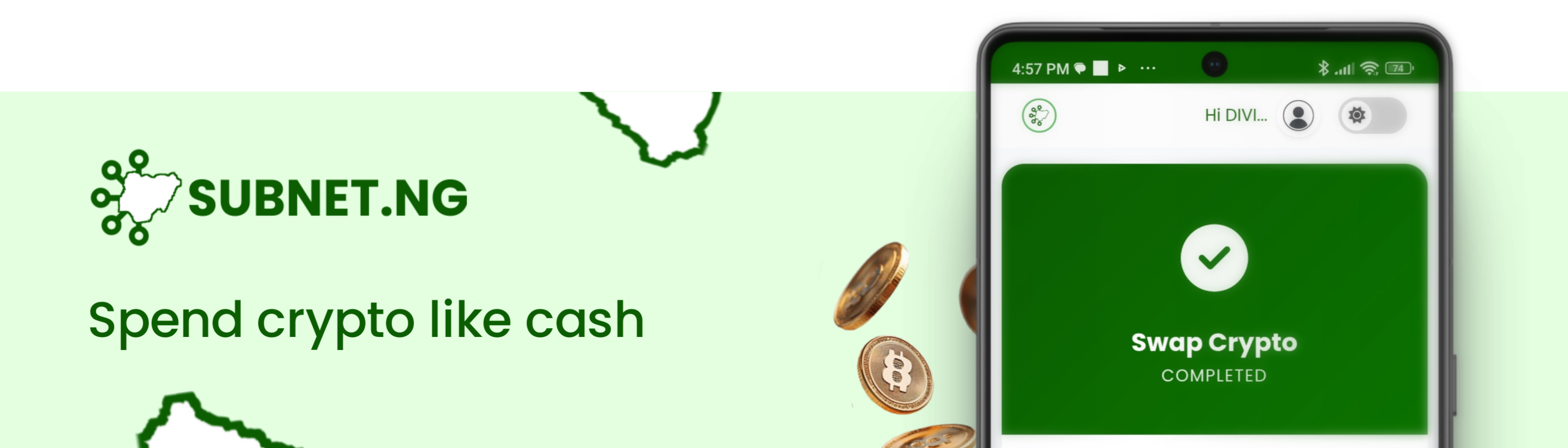
That’s the old way. It doesn’t have to be your way anymore.
There’s now a small but growing category of apps in Nigeria that let you pay for airtime, data, and other bills straight from your USDT balance, no manual conversion, no waiting on a trader to confirm, no separate “sell crypto” step before you can “buy airtime.” One transaction. Done.
This post breaks down exactly how that works, walks you through doing it step by step, and is honest about which apps actually deliver on the promise versus which ones just say “pay with crypto” while quietly converting your USDT to naira behind the scenes first.
What Does “Buying Airtime With USDT” Actually Mean?
Let’s clear up the confusion first, because most people lump two very different processes under the same phrase.
Method one: sell, then buy. You sell your USDT for naira on an exchange or P2P platform, wait for settlement, then move that naira into a bill payment app to recharge your line. Two apps, two steps, two chances for something to go wrong.
Method two: direct settlement. You open a single app that already has both your crypto wallet and a bills section. You select airtime, choose USDT as your payment method, and the app settles the bill directly from your USDT balance in one motion. No separate sell order, no naira sitting idle in between.
The second method is what people actually mean when they ask how to buy MTN airtime with USDT in Nigeria without converting to naira first. It’s faster, it’s fewer clicks, and it removes the window where exchange rates can shift on you mid-transaction.
Not every app that claims to “accept crypto” does this properly. Some genuinely settle straight from your stablecoin balance. Others quietly run your USDT through an internal conversion to naira before the bill payment screen even shows up, which technically works but isn’t the same experience.
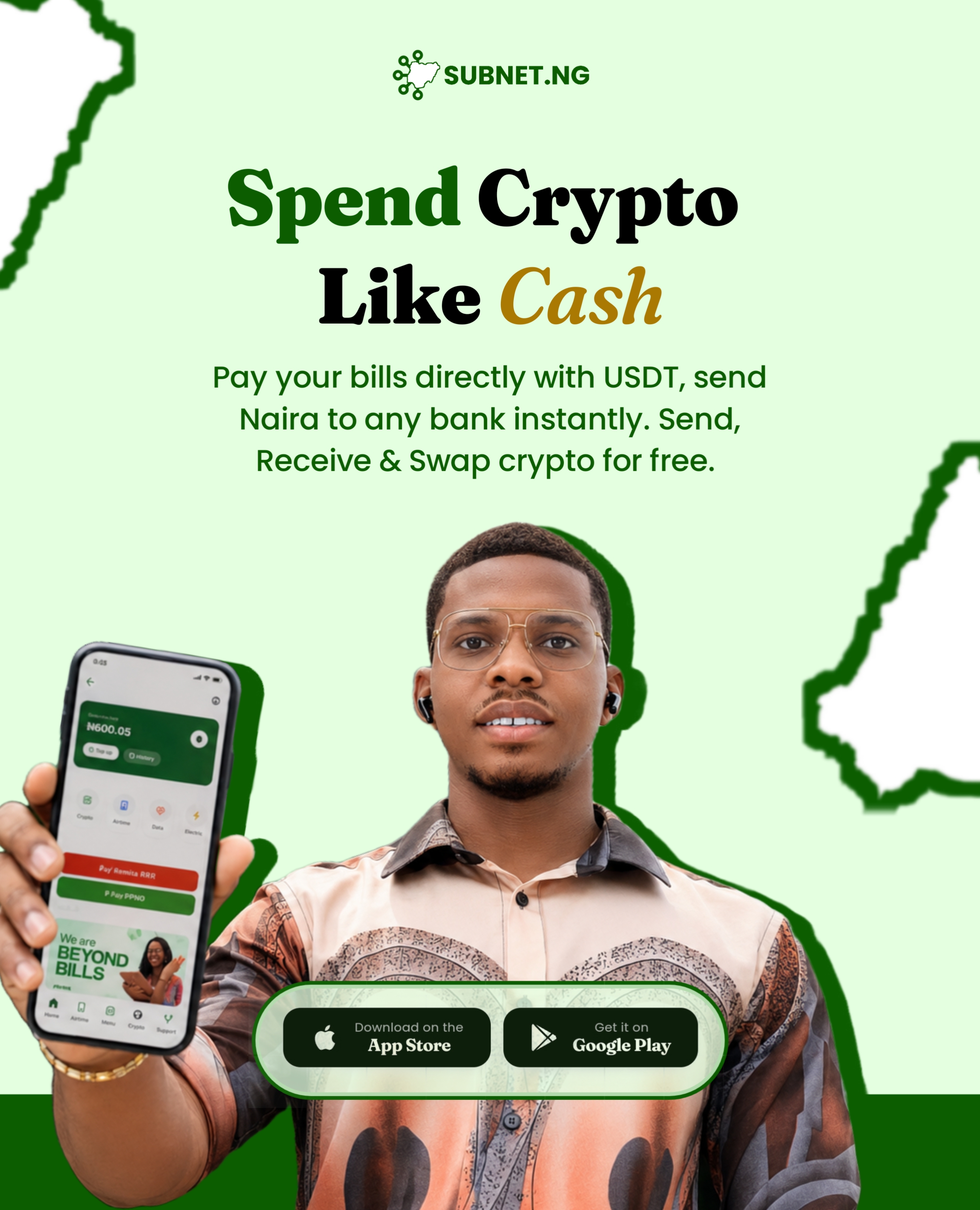
Why This Actually Matters for Nigerians Holding USDT
If you’re paid in USDT, whether from freelance clients abroad, remote work, or crypto trading, you already know the friction of trying to spend it locally.
Banks can be slow to receive P2P transfers during high-volume periods. Rates fluctuate while you’re waiting for a trade to confirm. And honestly, having to juggle a crypto exchange app, a bank app, and a bills app just to buy ₦500 of airtime is a lot of admin for a small task.
Apps that let you pay bills directly with USDT solve a real, everyday problem. It means the value in your wallet is immediately usable, not locked behind a conversion step you have to babysit.
How Direct USDT Bill Payment Works
Here’s the mechanics behind it, stripped of jargon.
You fund a wallet inside the app with USDT, either by depositing directly from another wallet or exchange, or by buying it inside the app itself. That USDT sits in your crypto balance.
When you go to pay a bill, say, MTN airtime, the app shows you a “pay with” option. If USDT is listed there, selecting it means the app calculates the naira equivalent of the bill at the current rate and deducts that value straight from your USDT balance in the same transaction. The recharge fires immediately on the telco’s end.
You never see a “naira wallet” step. You never manually swap first. The USDT you hold is treated like spendable balance for that specific bill, right there in the moment.
That’s the entire promise, and it’s a meaningfully different experience from apps where you have to convert crypto to an internal naira wallet first, then separately navigate to a bills section to spend that converted naira.
Where Subnet NG Fits In
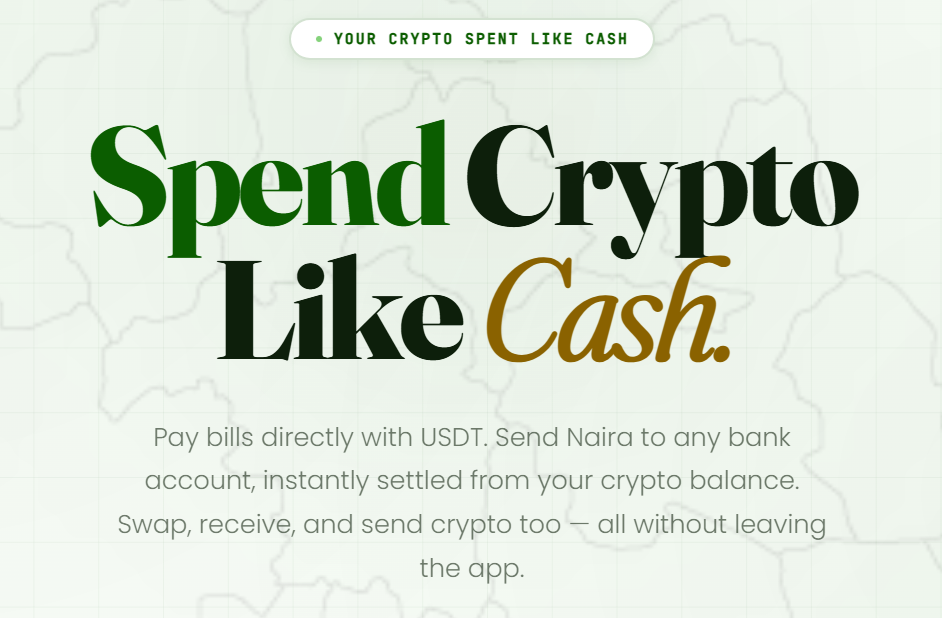
Subnet NG is currently the clearest example of an app built around this exact flow for the Nigerian market. Its whole positioning is “Spend Crypto Like Cash,” and the bill payment screen literally has a “pay with USDT” option sitting right next to the naira wallet option for airtime, data, electricity, cable TV, betting wallet top-ups, and Remita payments.
The app supports MTN, Airtel, Glo, and 9mobile for airtime and data, plus 26+ bill services in total across electricity discos, cable TV providers, and government payment channels. It also handles crypto-to-naira bank transfers, so you can send someone ₦10,000 funded entirely by your USDT balance if you’d rather move money than pay a bill.
Subnet NG says it integrates with CBN-licensed fintech partners and NDIC-insured institutions for the naira side of its rails, which matters if you’re the type who checks that kind of thing before trusting an app with your funds. It’s available on both the App Store and Google Play.
Step-by-Step: Buying MTN Airtime With USDT on Subnet NG
Here’s exactly how the process goes, from zero to a recharged line.
- Download the app. Get Subnet NG from the App Store or Google Play, or continue on the web version if you’d rather not install anything yet.
- Create your account. Sign up with your email or phone number. This part takes a couple of minutes.
- Complete KYC verification. You’ll need to verify your identity before you can transact with crypto. This is standard for any regulated fintech app in Nigeria and it’s what protects both you and the platform from fraud.
- Set up your crypto account. From the dashboard, tap “Crypto.” This creates your USDT wallet and gives you a deposit address, or lets you buy USDT directly inside the app if you don’t already hold any.
- Fund your USDT balance. Send USDT from an external wallet or exchange to your new Subnet NG crypto address, or buy it in-app. Give it a few seconds to confirm on-chain. the whole experience takes 2.5 seconds.
- Go to Bills. Back on the dashboard, select the bills section and choose “Airtime.”
- Enter the details. Pick your network (MTN, Airtel, Glo, 9mobile/T2), type in the phone number, and select the amount.
- Select “Pay With” and choose USDT. This is the step people miss the first time, since it’s easy to assume you’re paying from a naira wallet by default. Look for the payment method selector and switch it to USDT.
- Confirm and complete. Review the amount, confirm the transaction with your PIN, and the recharge settles directly from your USDT balance. It should land on the line within seconds.
Mistakes to avoid:
- Don’t skip KYC and expect to transact freely, the app will limit what you can do until verification is complete. While regular Naira bills can be settled with Naira account, you will need to complete KYC to access Pay with USDT feature.
- Don’t assume the payment method defaults to USDT, always check the “pay with” selector before confirming.
- Double check the phone number before you hit confirm. A wrong digit means recharging a stranger’s line, and airtime reversals are rarely straightforward.
- If your USDT deposit hasn’t confirmed on-chain yet, wait for it to reflect before trying to pay. Rushing this just gets you an insufficient balance error. (confirmations take approximately 3 seconds. if it takes longer, thanks to 24/7 support that’s always online even at midnight – yes, I’ve tried texting them and they responded.)
Other Apps in This Space, and How Subnet NG Compares
Subnet NG isn’t the only Nigerian platform touching crypto and bills, so it’s worth being straight about the landscape rather than pretending it exists in isolation.
Breet is well known for letting users top up airtime with crypto including USDT, and it’s often cited as one of the more established names in this space. Its flow is solid for straightforward crypto-to-bills conversion.
Prestmit goes beyond airtime, letting users sell USDT, pay bills, and trade gift cards from one dashboard, with a P2P element for those who want to negotiate rates directly with other traders.
Cardify Africa leans more into virtual dollar cards funded by USDT, with airtime and data purchases as a secondary feature alongside its card and gift card offerings.
Bitmama and Koyn are both built primarily as crypto-to-naira converters that added bill payment as a feature, meaning the core product is the swap, and bills sit on top of that.
Cubex, by its own description, converts USDT to an internal naira balance first before letting you recharge a line, which is the “sell, then buy” pattern rather than a true single-step USDT settlement.
Where Subnet NG stands out is that direct “pay with USDT” toggle sitting right on the bill payment screen itself, alongside a broader bill catalog (electricity, cable, Remita, betting wallets) than most crypto-first apps bother building out. For someone who wants one app that treats USDT as genuinely spendable rather than something you convert and then spend, it’s currently the most complete option built specifically for that experience.
Who Is This For?
This approach makes the most sense if you regularly hold USDT, whether from freelance income, remote work paid in stablecoins, or crypto trading, and you’re tired of the sell-first-spend-later routine.
It’s also useful if you send money to family or handle small daily expenses and would rather not keep converting small amounts of crypto manually every time a bill comes up.
If you rarely touch crypto and only have naira, good news is Subnet NG has an NGN balance too you can top up by sending money to a bank account created for you. yes, the exact same way you transfer to other banks.
Common Problems and Fixes
“My USDT deposit isn’t showing up.” Blockchain confirmations take time depending on network congestion, though this is very rare on Subnet NG.. it can still occur, Give it 10 to 30 minutes before assuming something’s wrong, and double check you sent to the correct network (most USDT transfers use TRC-20 or ERC-20, and sending on the wrong one can cause delays or lost funds).
“The airtime didn’t arrive after payment.” This is rare but happens with telco-side delays. Check your transaction history in the app first, if it shows as successful, give it a few minutes. If it’s still pending or failed, contact support with your transaction reference.
“I can’t find the USDT payment option.” Some bill categories may only show the naira wallet by default. Look for a “pay with” or payment method dropdown near the confirm button, it’s usually there but easy to scroll past. Completing KYC is a requirement you need to fulfil before accessing the pay with USDT option.
“KYC is taking longer than expected.” Verification queues can back up during high-traffic periods. Make sure your documents are clear and match your registered details exactly, mismatches are the most common cause of delays.
Expert Tips
Keep a small USDT buffer in your wallet rather than funding it right before every single bill payment. On-chain confirmation times mean a “just in time” top-up can leave you waiting exactly when you need speed.
Check the live rate shown before you confirm any bill payment. Rates on these platforms move with the market, and a few minutes of hesitation can shift what you’re actually paying in USDT terms.
If you’re recharging for someone else regularly, save their number as a beneficiary if the app supports it, Subnet NG does this automatically and displays it on screen.. you just tap and pay. It cuts out the “wrong digit” risk that causes most failed recharges.
Don’t keep all your crypto sitting in one custodial wallet long term if you’re not actively transacting. Move only what you plan to spend soon into your bills app wallet, and keep the rest in cold storage or a wallet you fully control.
Also read: Best Crypto Apps in Nigeria Right Now (2026 Review)
FAQs
Can I really buy MTN airtime with USDT without converting to naira first? Yes, on apps built with a direct “pay with USDT” option on the bill payment screen, the conversion happens automatically in the background during the transaction itself. You never manually sell your USDT or move it into a separate naira wallet before paying.
Is it safe to pay bills with USDT in Nigeria? It’s as safe as the platform you use. Stick to apps that mention regulatory partnerships, such as working with CBN-licensed fintech providers and NDIC-insured institutions, and always confirm you’re on the official app before entering your details.
Do I need to complete KYC before I can pay bills with crypto? Most regulated Nigerian fintech apps, including Subnet NG, require identity verification before you can transact freely. This protects both you and the platform and is standard across the industry.
Which crypto networks does USDT deposit support? This varies by app, but USDT commonly moves on TRC-20 (Tron) or ERC-20 (Ethereum), or BEP-20 (Binance Smartchain) networks. Always check which network the app expects before sending, using the wrong one can delay or risk your funds.
How long does it take for airtime to arrive after paying with USDT? On platforms with direct settlement, recharge typically lands within seconds once your payment confirms. If your USDT deposit itself is still confirming on-chain, that adds time before you can even initiate the bill payment.
Can I pay other bills with USDT, not just airtime? Yes, on apps like Subnet NG, the same “pay with USDT” flow applies to data bundles, electricity tokens, cable TV subscriptions, betting wallet funding, and Remita payments like school fees or government levies.
What happens if I send USDT to the wrong network or address? This is one of the few genuinely risky mistakes in crypto, and it can result in permanently lost funds. Always double check the network type and copy the deposit address directly from the app rather than typing it manually.
Are there fees for paying bills with USDT instead of naira? Fee structures vary by platform. Some apps advertise zero or low fees on bill payments regardless of funding source, but it’s worth checking the current fee schedule inside the app before a large transaction. there are no fees on Subnet NG, they just show you rate and you confirm.
Can I use USDT to send money to someone’s bank account instead of paying a bill? Yes, on apps that support crypto-to-naira payouts, you can send naira to any Nigerian bank account funded directly from your USDT balance, without a separate conversion step on your end. A good example of an app that does this well is Subnet NG
Do all crypto apps in Nigeria offer direct USDT bill settlement? No. Some apps require you to convert your USDT to an internal naira balance first, then separately spend that naira on bills. This works, but it’s not the same single-step experience as apps built specifically around direct settlement.
Is USDT the only stablecoin or crypto accepted for bills on these apps? It depends on the platform. Many support USDT specifically because of its stability and liquidity, but some also accept Bitcoin, Ethereum, or other assets for bill payments and conversions.
What should I check before trusting an app with my USDT for bill payments? Look for clear regulatory language (licensed partners, deposit insurance), a visible support channel, real app store reviews, and a transparent fee and rate display before you confirm any transaction.
You may have missed: Is Subnet NG Legit? An Honest Review of Nigeria’s Crypto and Bills Payment App
The Takeaway
Buying MTN airtime with USDT in Nigeria without touching naira first isn’t a workaround anymore, it’s a built feature on a small number of apps designed around exactly that flow.
The difference between apps that genuinely settle bills straight from your USDT balance and ones that quietly convert to naira first is bigger than it sounds, it’s the difference between one smooth transaction and a two-step process wearing a crypto badge.
Also read: OPay vs PalmPay vs Kuda: Which Is the Best Fintech App in Nigeria 2026?
If you’re holding USDT and tired of the extra steps, download an app that puts “pay with USDT” right on the bill screen, complete your KYC once, and every recharge after that is a few taps. Start with Subnet NG, run through the KYC, fund your crypto wallet, and try your next MTN top-up straight from your USDT balance.
